
Syside Automator reported an error while trying to load the model: ‘utf-8’ codec can’t decode byte 0xbb in position 32: invalid start byte.
I am sure the file is utf-8.
what else can be done for the issue?
Could you please paste the full path to MBSETest.sysml file? I suspect that it contains some characters that cause the problem.
Also, what operating system are you using? Windows?

I assume this is a path to the folder you opened in VS Code, right? Since it contains only ASCII characters, it should not have caused any problems. Based on the screenshots, it seems that your AI agent fixed the problem by moving the MBSETest.sysml out of subfolder called sysmlv2?? where ?? stand for two non-ASCII characters that I, unfortunately, do not know how to type. Therefore, it seems likely that these two characters are the ones causing the problem. However, I cannot reproduce the problem; Syside works for me with any non-ASCII characters I tried.
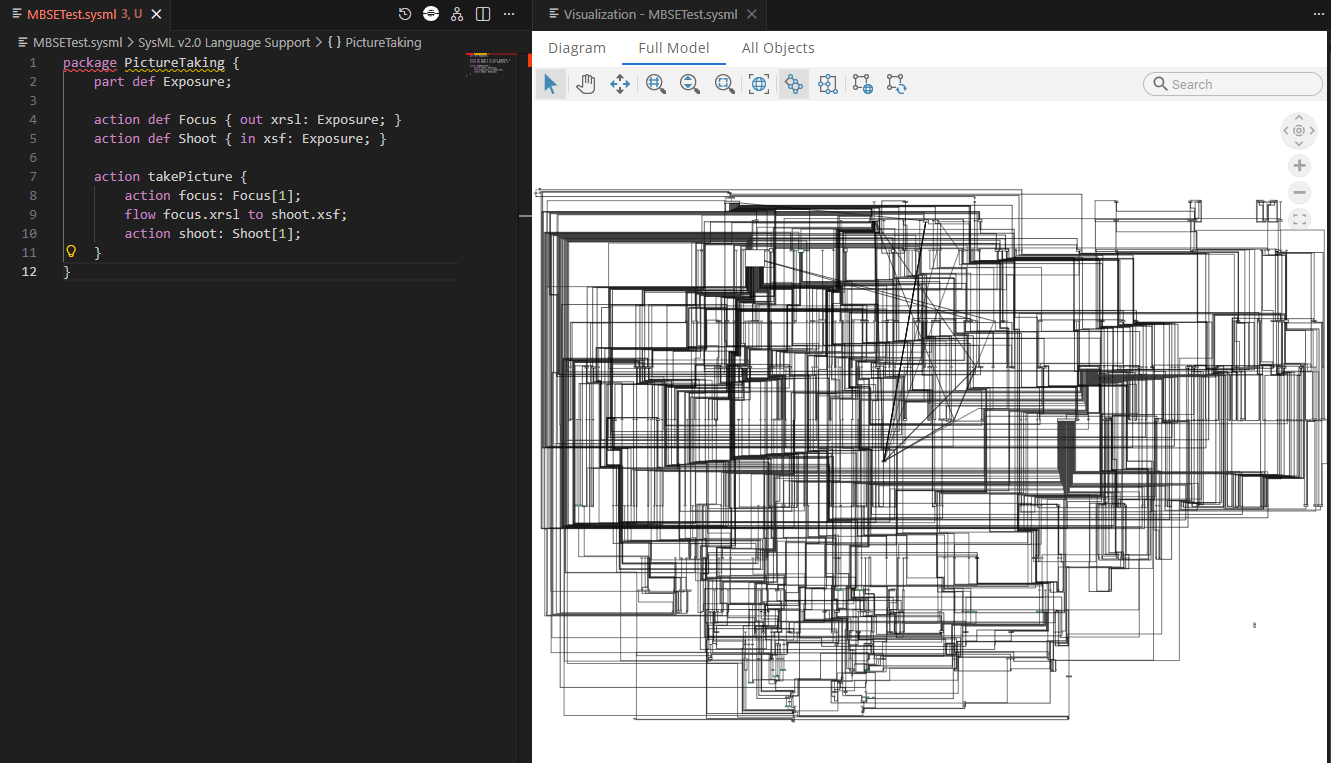
“Full Model” tab shows the abstract syntax of the model, which is also called the metamodel. We are working on replacing it with a model tree view, which should be significantly more intuitive.